
How to Search Cases by Name
San Saba County posts no county-hosted index covering every court by name. The online starting point for eligible state records is re:SearchTX. You must register or sign in before it works. Its official guide covers searches across cases, filings, text inside documents, and hearings. County participation and depth vary from place to place. Treat a name match as a lead only.
Enter just enough detail to single out the matter you know. Never publish a birth date or any private identifier.
- Select Cases or the result type that fits the item sought.
- Enter party or case-style terms with the likely county and court.
- Narrow broad results with available filing, hearing, or case filters.
- Open details and compare the cause number, court, filing date, and style.
- Confirm the match with the clerk that keeps the source file.
Which fields appear can depend on your account and the local setup. A miss does not prove that no San Saba County case exists.
San Saba County re:SearchTX Limits
A Texas Judicial Council report states that criminal case records are left out of the re:SearchTX repository it describes. Local integration varies too. The portal can still help with participating civil and other eligible records, but it is not a one-stop statewide criminal search. See the official sign-in boundary for the portal itself.
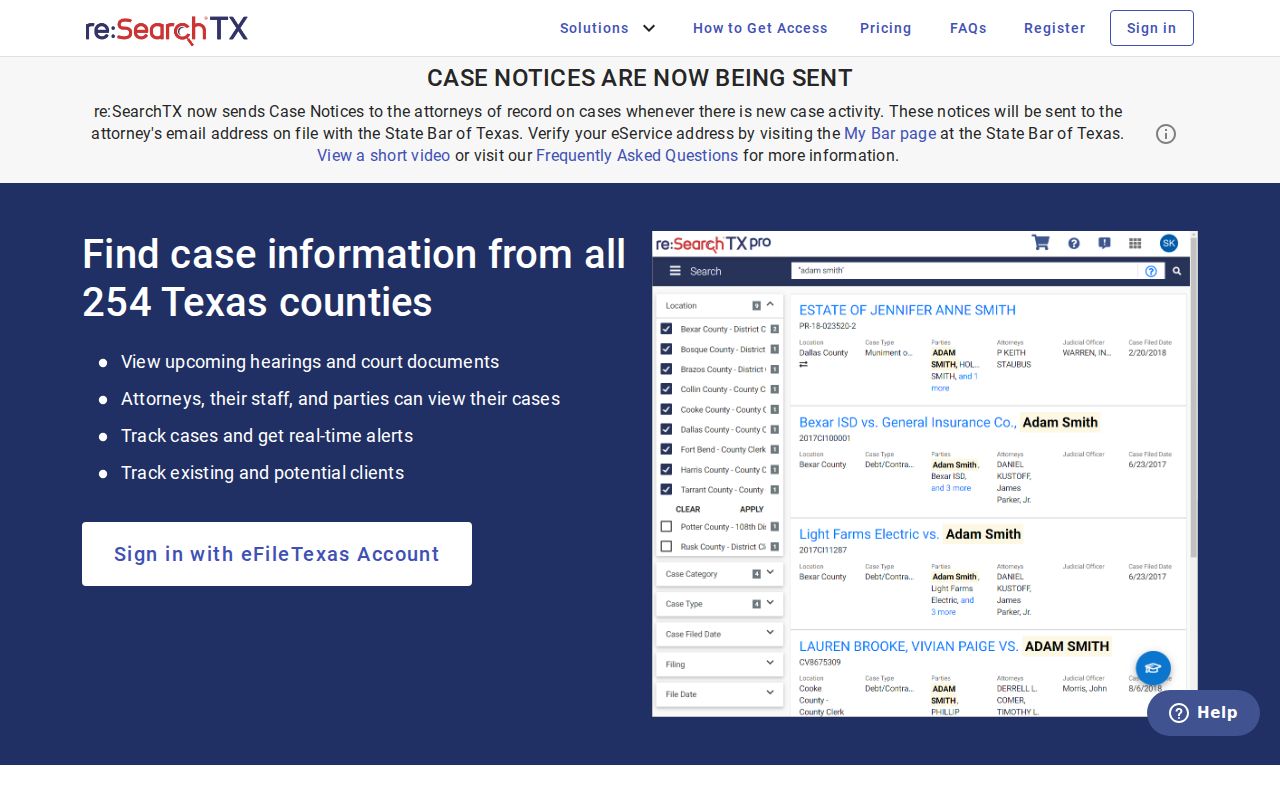
That official page shows registration is part of the route. It proves nothing about whether one local case is present or complete.
Key point: A blank result cannot establish that San Saba County has no criminal or restricted case.
How to Search by Case Number
A cause number is the strongest key. The clerk assigns it to one court file. Copy every letter, dash, and leading zero exactly as printed. There is no confirmed countywide format shared by district, county, justice, and municipal courts. Use the real value from the paper in hand, such as CAUSE NUMBER AS PRINTED. Never guess a pattern.
Pair the number with its court. The Texas citations and notices search offers Cause Number and Court/County fields. If it and re:SearchTX come up empty, call the clerk with the number, court, date range, and document you need.
San Saba County Limited Search
eFileTexas lists San Saba District, County, and Probate courts as civil mandatory with "Search Limited." That entry describes a filing network, not a full public docket reader. E-filing sends a document to a clerk. Acceptance records a filing. It does not decide the case or promise public access to its image.
The official directory page shows the local court types and the limit.
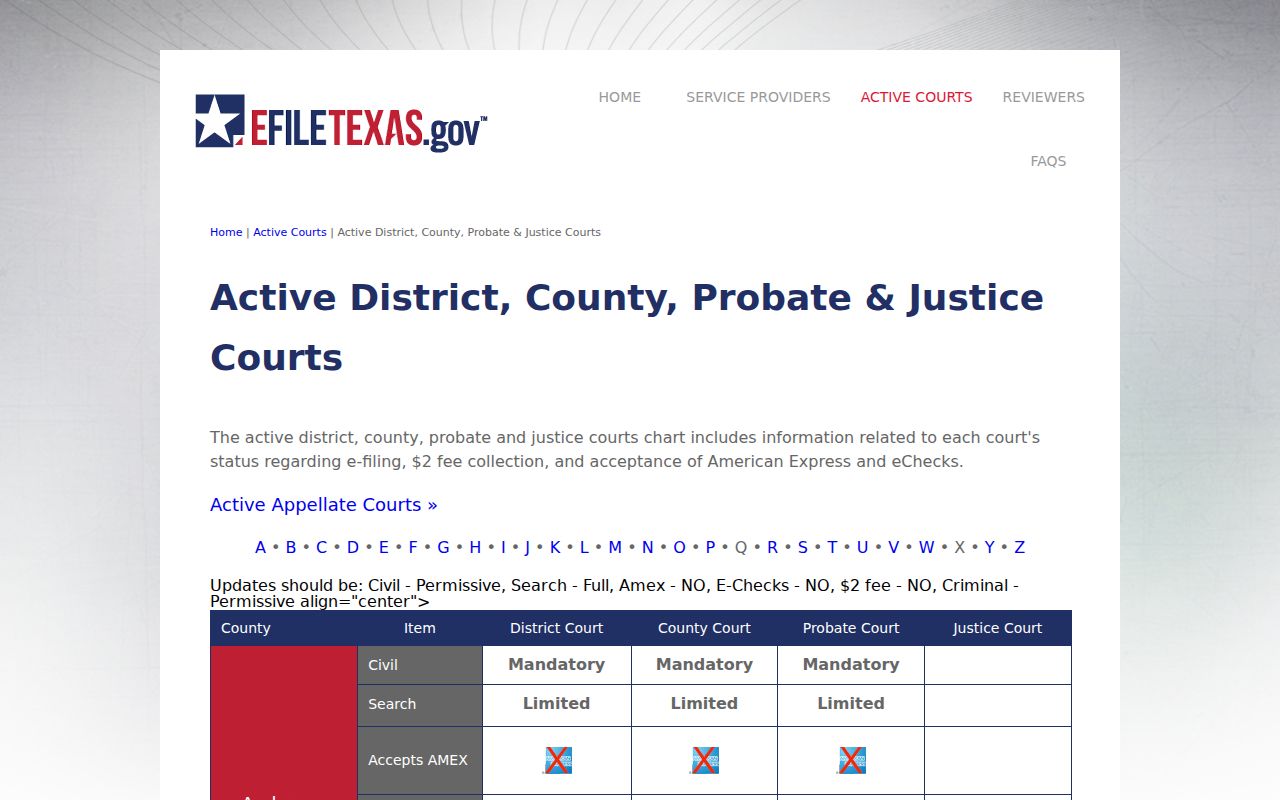
Read that listing to grasp the gateway. Then turn to the source clerk or re:SearchTX for the record itself.
Note: "Civil mandatory" concerns filing duties. "Search Limited" warns that lookup depth falls short.
What a Case Search Shows
A public result may show an index or event trail rather than the whole file. re:SearchTX calls its chronological entries a register of actions or case events. A filing can carry detail, and a hearing link can lead to hearing information. What you can access still depends on the court, the case status, and the governing rules.
| Cause number | The court key, including punctuation and leading zeros. |
|---|---|
| Case style | The short caption used to identify the matter. |
| Court and county | The jurisdiction and custodian needed for confirmation. |
| Case event | A filing, setting, order, reset, or other dated entry. |
| Status or disposition | A label to check against the actual order or judgment. |
A setting is a scheduled event, not a judgment. "Active pending" and "inactive" in OCA reports are aggregate categories, not live case status labels.
San Saba County Clerk Routes
The current county pages list Christi Whitley as one County/District Clerk. But the office splits its court duties. The District Clerk serves the 33rd and 424th District Courts. It covers felony, family, juvenile, and major civil files. The County Clerk handles the Constitutional County Court, probate, county misdemeanors, and county records. Both functions sit in Suite 202. Knowing which side holds your file saves a trip.
| Matter | First custodian | Reason |
|---|---|---|
| District felony, family, juvenile, major civil | District Clerk | District-court docket |
| County misdemeanor or probate | County Clerk | County-court docket |
| Small claim, eviction, debt, fine | Justice Court | Countywide JP file |
| City citation | Issuing municipal court | Separate city systems |
Need the right desk? The District Clerk and County Clerk list their offices online, and 325-372-3614 reaches the staff.
County vs Statewide Case Search
There is no full local portal to weigh against a complete state mirror. Your real choice is between narrow web tools and the clerk who holds the source file. Start online when the record fits there. Move to the clerk when coverage is unclear. Do the same if the case is criminal, a document image is missing, or you need a certified copy.
| Channel | Coverage | Best use |
|---|---|---|
| re:SearchTX | Participating eligible cases and events | A likely civil case across counties |
| Topics | Published citations and notices | Cause, court, name, or status search |
| Local clerk | Its source file, subject to law | Copies, old files, and certification |
The San Saba County court record search addresses the document behind an index entry.
San Saba County Notice Search
The OCA Topics portal is narrow but useful. Its citation and notice form offers general text plus several fields. These include Name, Cause Number, Court/County, and Status. Results show the name, cause number, court and county, status, and an Action control. Tips favor a cause number with a court name or a few terms. A wildcard like joh* also works.
A notice can point you to a cause and its court. No result means only that the searched publication returned nothing. It does not reach each pleading, order, hearing, or San Saba County docket.
Restricted Cases and Access Rules
Texas keeps court records under judicial rules rather than general open-records laws. Rule of Judicial Administration 12 governs inspection and copying of judicial records. Sealing a civil file runs through Rule of Civil Procedure 76a. The Texas Public Information Act reaches plenty of government records. But a court file answers to the judiciary and its clerks.
Juvenile records sit behind tighter walls under Family Code section 58.007. Clerks may withhold or redact sealed matters, protected family files, grand-jury material, and private identifiers. Keep this in mind when you read a docket. A missing result does not prove sealing, expunction, or nondisclosure.
So ask for the public, non-sealed portions. Give the court, cause, record, and date. If something gets withheld, ask which rule applies. Ask, too, whether a redacted version can come out.
When San Saba Searches Fail
First check that you have the right court. Then match the cause number against the notice or paperwork you were sent. Call the proper clerk after that. Ask who holds the file, the fees, the format, and whether you may mail or fax a written request. San Saba County offers no court-copy email and no online county form for this. No public terminal at the courthouse is advertised either, so call ahead before you drive over.
The County/District Clerk sits at 500 E. Wallace, Suite 202, San Saba, TX 76877. The County Clerk page posts weekday hours of 8 a.m. to 4:30 p.m. Hours can shift, so confirm by phone and ask for the right desk. Got a city citation instead? Use the city's own route. That means the San Saba docket search, rather than some other court's payment page.
A mailed request works better with the exact court named. Include the cause number exactly as printed, the filing year or date range, and the precise document you need. Say whether you want to inspect the file, get a plain copy, or get a certified copy. Ask the clerk to confirm the current charge and accepted payment method before you send any funds. For older files, ask whether the record is paper, scanned, archived, or stored off-site from the courthouse. Those details let the San Saba County clerk route your request to the right court records without guessing.
Note: A payment result is not a certified San Saba County case file. An annual statistic or a public notice is not one either.